
How to Switch Swim School Software Without Losing a Term (Free Migration Offer)
Switch swim school software with a step-by-step plan. Sign before 31 January 2027 and data migration and setup are free.
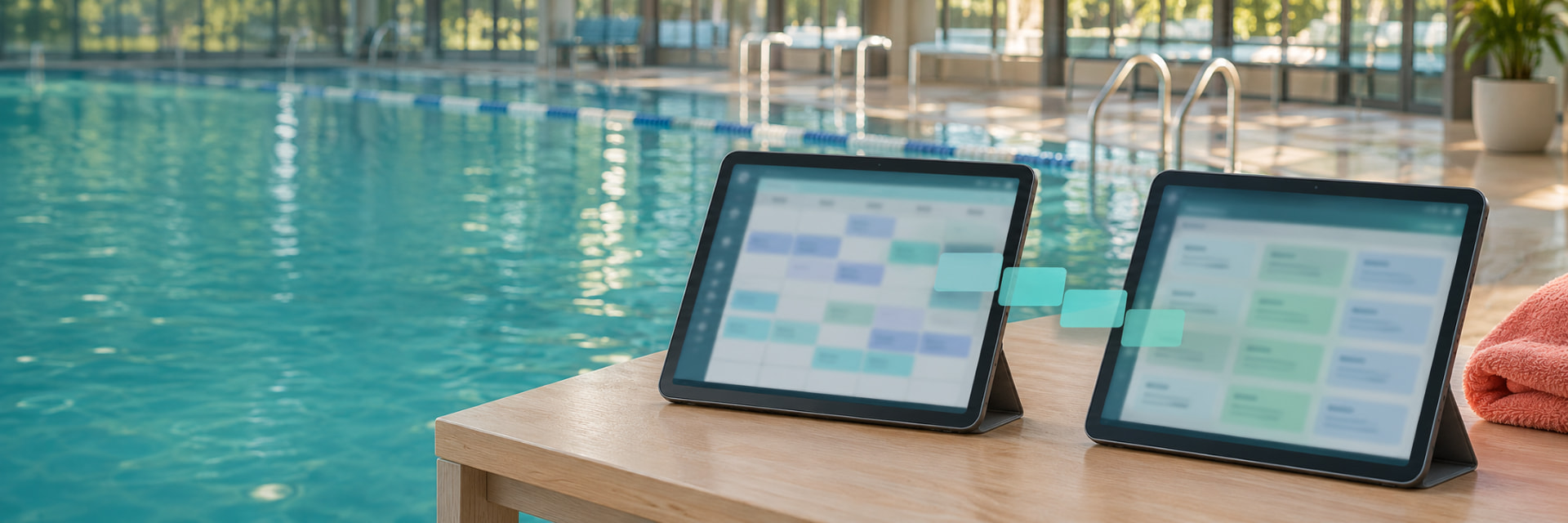
Short answer: You can switch swim school software in about two weeks if you plan it in three steps: export your data and map it (week 1), load and check it with the new vendor (week 2), then go live with training and parent invitations. Run the old system alongside the new one until you're happy. Sign before 31 January 2027 and data migration and setup are free.
Why schools switch
Schools tell us they move when they outgrow a system, not because the old one failed. Common triggers:
- They add school programs, squads or a second site.
- They want parents on one app with one login per family.
- They need waitlist, make-up and pro-rata rules that match how they actually run.
- They want to see who is likely to leave, and who is stuck in a level.
- They want to choose their own payment provider.
What to export from your current system
Ask your current vendor for exports of the following, as spreadsheets or reports. Export whatever you can; we migrate whatever data you can give us.
- Families and contacts (parents, guardians, emergency contacts)
- Students, with medical notes where held
- Classes and timetables
- Levels and skills history
- Attendance history
- Current enrolments and waitlists
- Make-up credits and balances
- Customer notes and communication history, where possible
- Financial history, where possible
- Any custom fields
If something isn't in your export, tell your new vendor in week 1, not at go-live.
The two-week plan
| When | What happens | Your effort |
|---|---|---|
| Before week 1 | Request exports; choose a go-live date; book a demo and a trial with your real classes | An hour or two |
| Week 1 | Data is mapped and cleaned; gaps are listed | An hour or two |
| Week 2 | Data is loaded and reconciled with you; training for head office and site managers | An hour or two |
| Go-live | Parents receive an app invitation; payments are set up; a staged rollout is possible | A short call |
| After | Support from Australian-based staff | As needed |
What to ask any vendor about migration
- What exactly will you migrate, and what won't move?
- How do you reconcile the loaded data with my records?
- What is the cutover plan, and what is the rollback plan?
- Will my old system stay untouched until I'm happy?
- Who owns my data, and how do I export it if I leave?
- What happens to parents' logins and payment methods?
Payments: Stored card details move only where your payment provider allows. Ask early.
Parent transition without chaos
Parents don't re-register. They receive an app invitation with their family already set up. Send one email before the invitation, explaining what's changing and when, and keep the old portal available for a short overlap if you can.
How we protect your data
- Hosted in Australia on AWS Sydney, which is SOC 2 compliant.
- Encrypted in transit and at rest
- Backup and recovery
- Optional multi-factor sign-in for your team
- Role-based permissions and audit logs
- Privacy controls designed for children's information
Common mistakes
- Switching in the middle of a term with no overlap.
- Exporting only students, not balances and credits.
- Leaving make-up credits behind, which parents notice immediately.
- Skipping reconciliation.
- Telling parents on the day.
The switching offer
Sign before 31 January 2027 and data migration and setup are free. There's no setup fee for the offer period, and you can trial free with your real classes after a demo. There's no lock-in, and you own your data and can export it at any time.
Ready to plan your move? Book a demo or see how switching works.
Frequently asked questions
How long does it take to switch swim school software?
About two weeks, depending on data volume and how clean your records are.
Can I move from my current system to GreeneDesk?
We review the data you can provide and confirm what can move before go-live.
What if something is missing after migration?
We list gaps in week 1 and reconcile the loaded data with you before go-live. Your old system stays untouched, so you can run both side by side.
Do parents have to re-register?
No. They receive an app invitation with their family already set up.
Will it cost anything to migrate?
Normally migration and setup are quoted upfront. Sign before 31 January 2027 and data migration and setup are free.
Related posts

Swim schools
How to Choose Swim School Software in Australia (2026 Guide)
Choose swim school software in Australia: a practical checklist for timetables, waitlists, payments, data location, migration and demo questions.

Swim schools
Stuck in a Level: How to Spot and Fix Swim Progression Problems
How swim schools can track progression, spot students stuck in a level, and build pathways into squads. Practical steps, metrics and parent communication.

Swim schools
How to Reduce Swim School Dropouts: A Retention Guide for Australian Swim Schools
Why children leave swim school and how to keep them: key risk moments, useful metrics and a practical retention playbook for Australian swim schools.