
Pools and lanes
One pool calendar for lessons, squads and public lanes
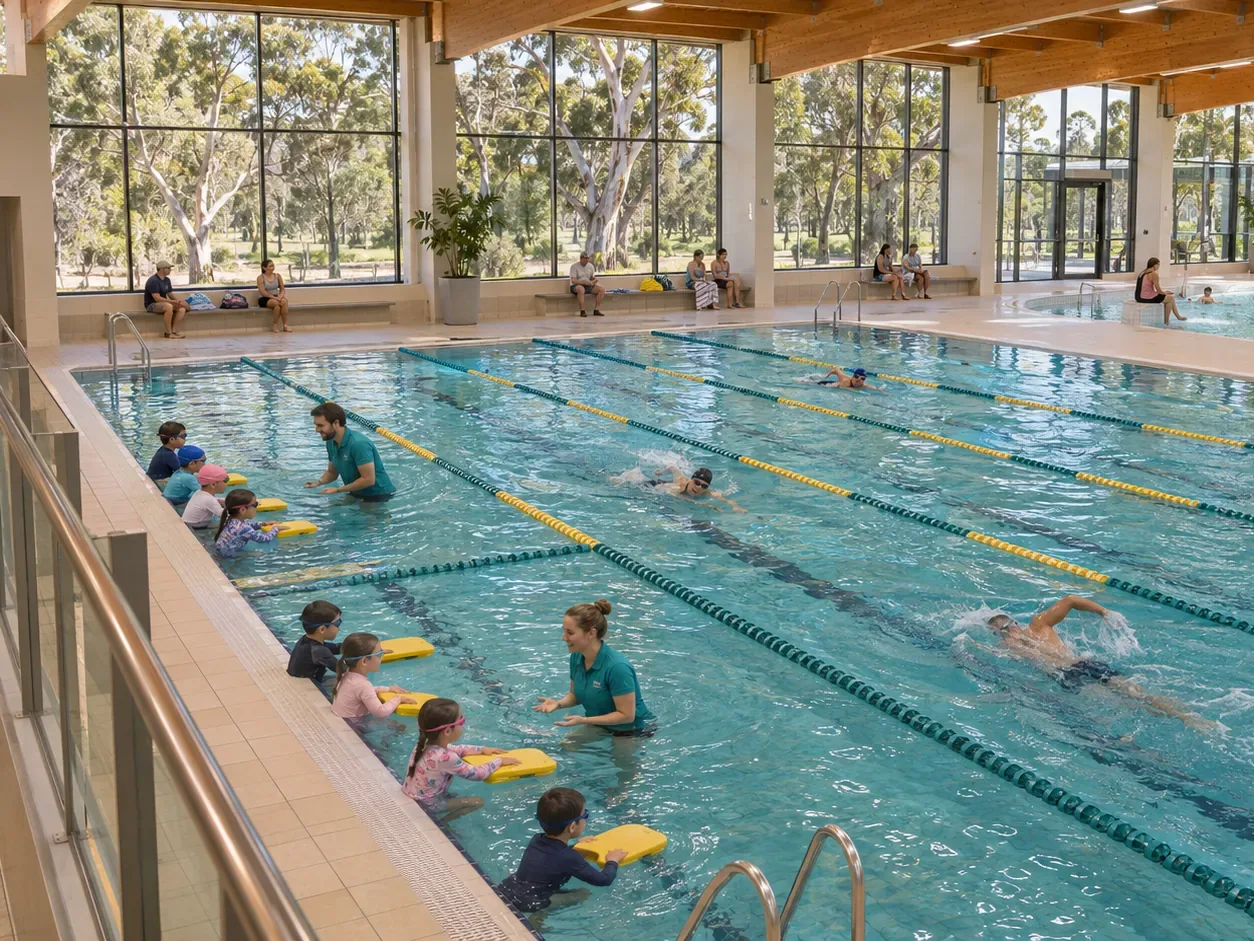
When lessons, squads, schools and public swimmers share a pool, a double booking costs goodwill. SwimDesk puts every use of every lane on one calendar.
- 600,000+ studentshave passed through our systems
- 1 million+ workoutscompleted in FitDesk
- Since 2013an Australian company
What it does for you
Fewer clashes, fuller lanes, clearer information for the public
Lane use is the part of an aquatic centre that is hardest to see at a glance.
Time: no more whiteboard
Book, move and delete lane bookings for a group on a calendar per pool. Lessons attach to lanes, so the pool picture is one picture.
Money: lanes that earn
A lane booking report by date range and status shows what was confirmed, completed, cancelled, rescheduled or a no-show, so you can see where capacity goes unused.
Delight: swimmers who know when they can swim
Post lap-lane availability by pool so members and the public can see it before they travel.
What is included
Set up your pools and lanes, then run them.
- Pools and lanes set up per facility
- Groups that book lanes, such as clubs and schools
- A pool lane calendar for each pool
- Lanes attached to swim classes with conflict warnings
- Lap-lane availability posted for the public
- Lane booking, pool booking and stadium reports
See your pool on one calendar
Bring your lane timetable to a demo and we set it up with you.
Does this work with swim lessons?
Yes. Lanes can be attached to swim classes, so lessons and public lane use share one picture.
Can the public see lane availability?
Yes. You can post lap-lane availability by pool for members to see.
Is it available for stadiums or halls?
Yes. You can manage pools and stadiums, with reports for each.
See it with your own program in mind
Tell us your centre and what you run, and we will show you GreeneDesk in a short demo. After the demo you get a trial for your team. Setup and migration take about two weeks, and we do the move for you.
We do the migration for you. We respond to support requests within 4 hours, and straight away for critical issues.