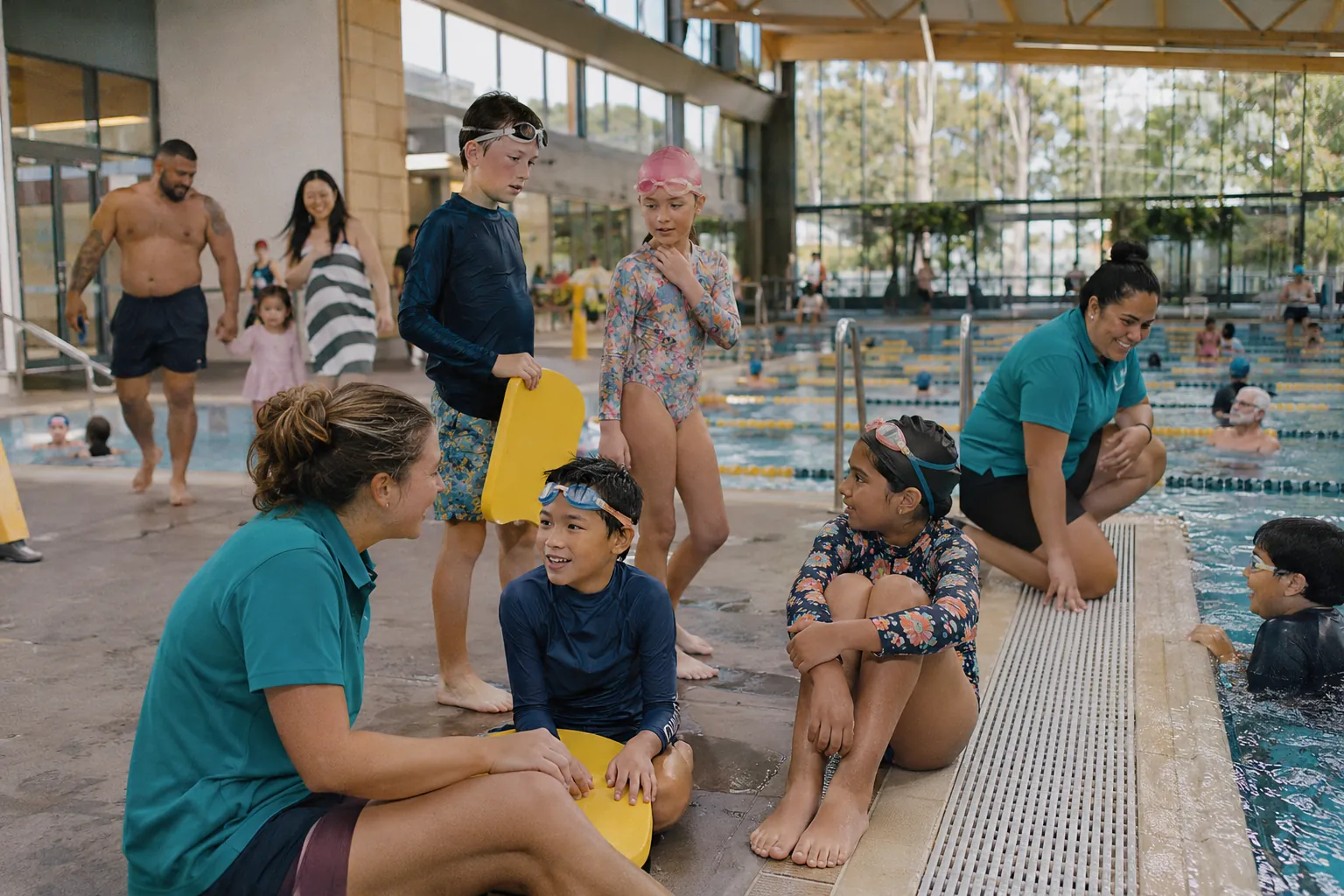
SwimDesk Learn to Swim
Learn to swim software that shows every child's progress
Run your whole lesson program in one place: levels, classes, poolside assessments, certificates and make-up lessons. Parents see progress after every assessment, which is the best reason to re-enrol.
- 600,000+ studentshave passed through our systems
- 1 million+ workoutscompleted in FitDesk
- Since 2013an Australian company
What changes
Learn to swim that runs itself and families can see
Every term has the same pressure points: enrolment, absences, assessments and reports. Here is what each looks like in SwimDesk.
Time: assessments and make-ups without paper
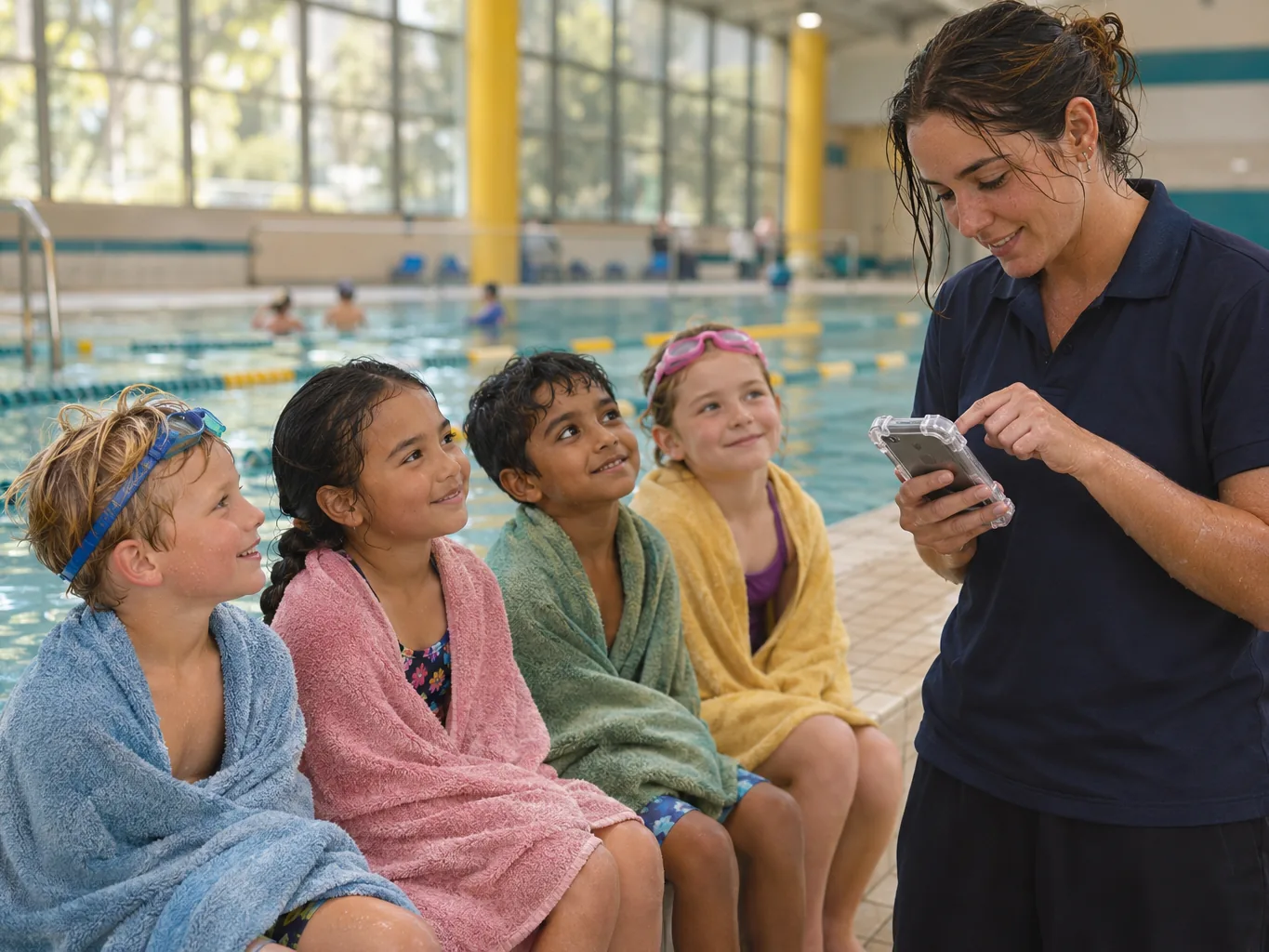
Instructors assess poolside on a phone or tablet. Absences become make-up credits parents book themselves. Certificates print by level, teacher or session when the term ends.
Money: places stay full
Waitlists per level, trial lessons and trial make-ups turn enquiries into enrolments. Non-progression and at-risk lists tell managers who needs a call this week.
Delight: a child who can see what is next
Skills ticked off in front of them, a certificate for graduating, progressing or taking part, and rewards for laps swum.
Levels and skills, your way
Set up the levels and skills you teach, from water familiarisation to stroke development. SwimDesk fits any structured program, including your own.
Assess poolside in seconds
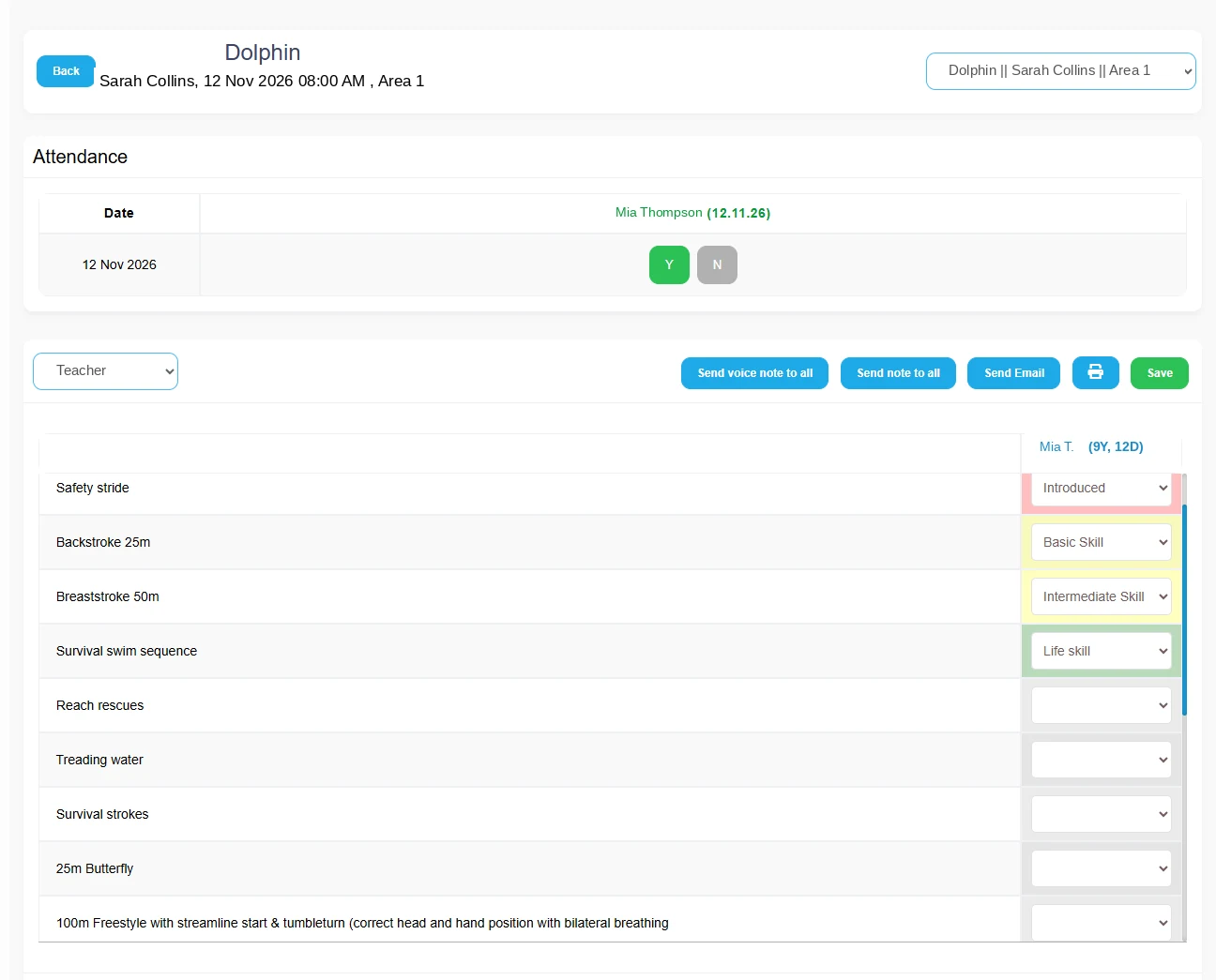
Instructors mark attendance and tick off skills on a phone or tablet, including offline. When a child completes a level, the certificate is issued and the parent is told.
- Attendance and skills in one screen
- Works offline on the pool deck
- Digital certificates
- Voice notes to parents

Missed lessons do not become lost families
A reported absence becomes a make-up credit the parent can book themselves, within the rules you set: how many per term and how long they last.
Know who needs attention this week
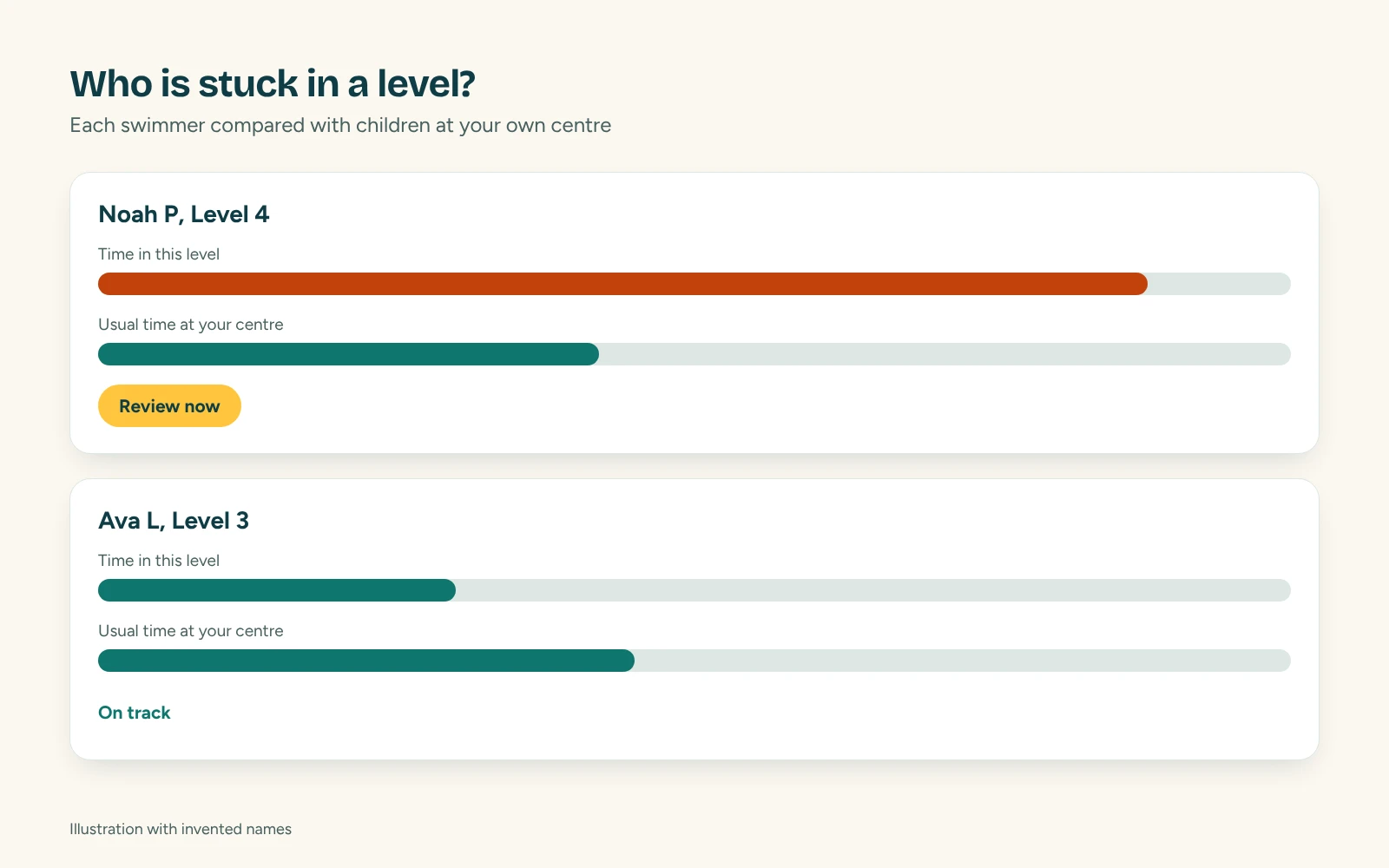
Retention Intelligence flags children who are missing lessons or not gaining skills. Progression Intelligence shows who has been in a level too long.
Can we use our own levels?
Yes. Levels and skills are fully configurable.
Does it work for adult lessons and infant classes?
Yes. Set up any age group, class size and lesson length.
Can instructors use it without internet at the pool?
Yes. Attendance and skills can be marked offline and sync later.
How do parents see progress?
In the parent app or web portal, with skills achieved, the current level and certificates.
What do we say when a parent disagrees with their child's level?
Show them the assessment. Skills are recorded poolside against your own levels, and parents can see the record in the app, so the conversation starts from what was observed rather than opinion.
See it with your own program in mind
Tell us your centre and what you run, and we will show you GreeneDesk in a short demo. After the demo you get a trial for your team. Setup and migration take about two weeks, and we do the move for you.
We do the migration for you. We respond to support requests within 4 hours, and straight away for critical issues.